Feature Flags
Runtime feature flags for Craft CMS with targeting rules, percentage rollouts, and audit logging.
v1.1.0
Plugin Store $59
Runtime feature flags for Craft CMS with targeting rules, percentage rollouts, and audit logging.
Feature Flags gives you runtime control over what’s live on your Craft CMS site with no redeployments and no external services.
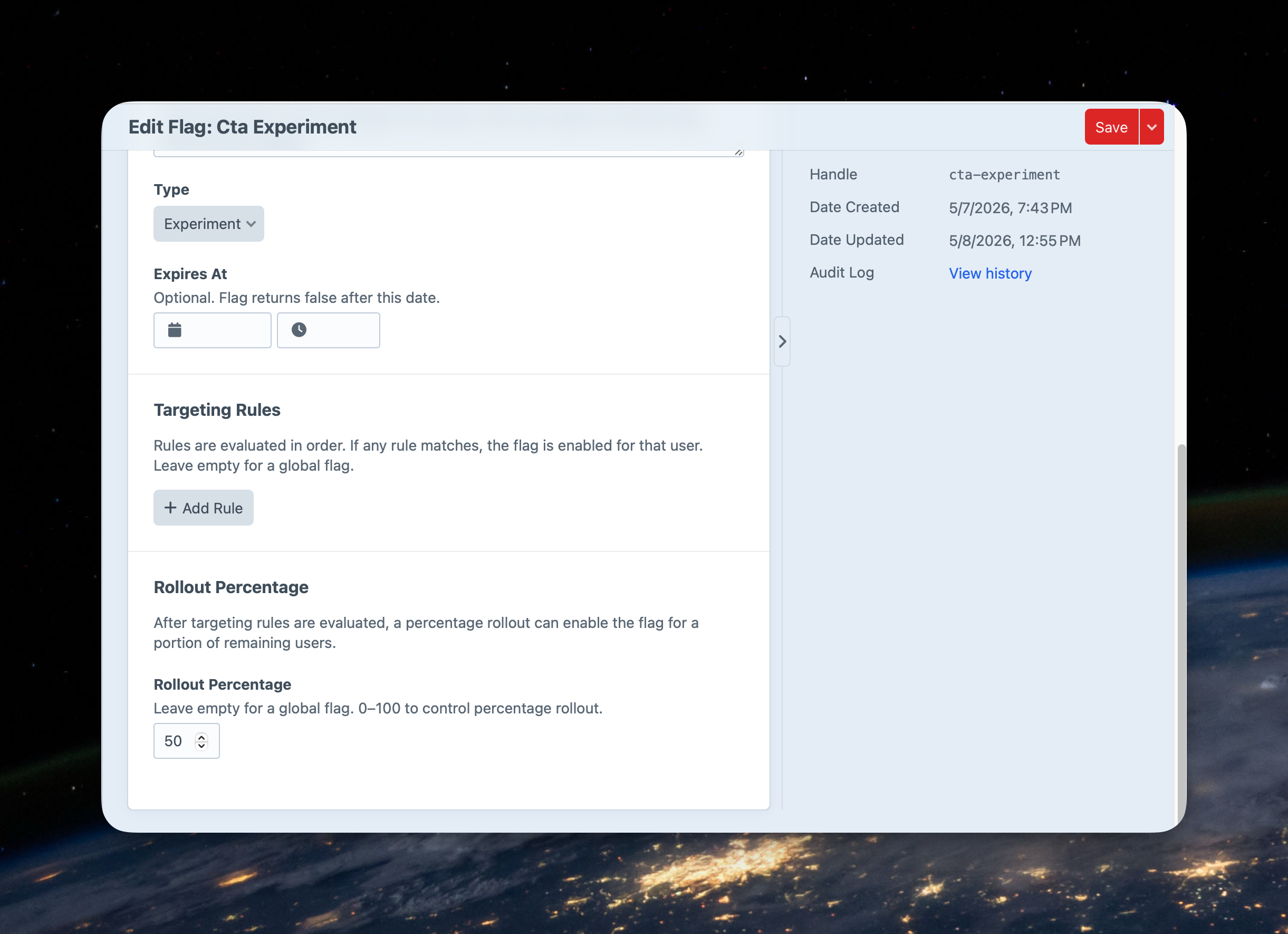
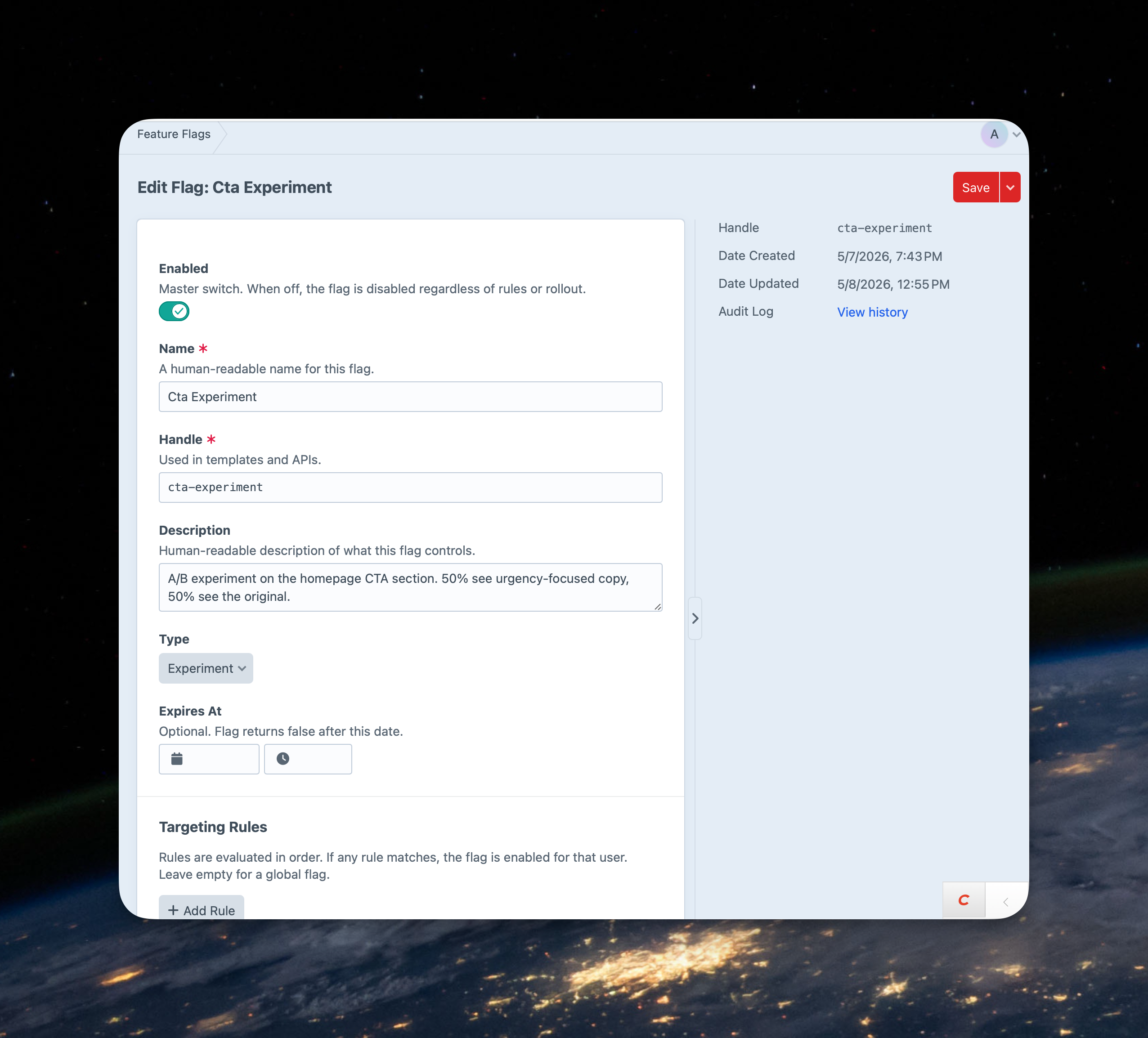
Toggle features on or off from the control panel. Target specific users, user groups, or environments with flexible rules. Gradually roll out changes to a percentage of your audience with consistent bucketing that ensures every user gets a stable experience.
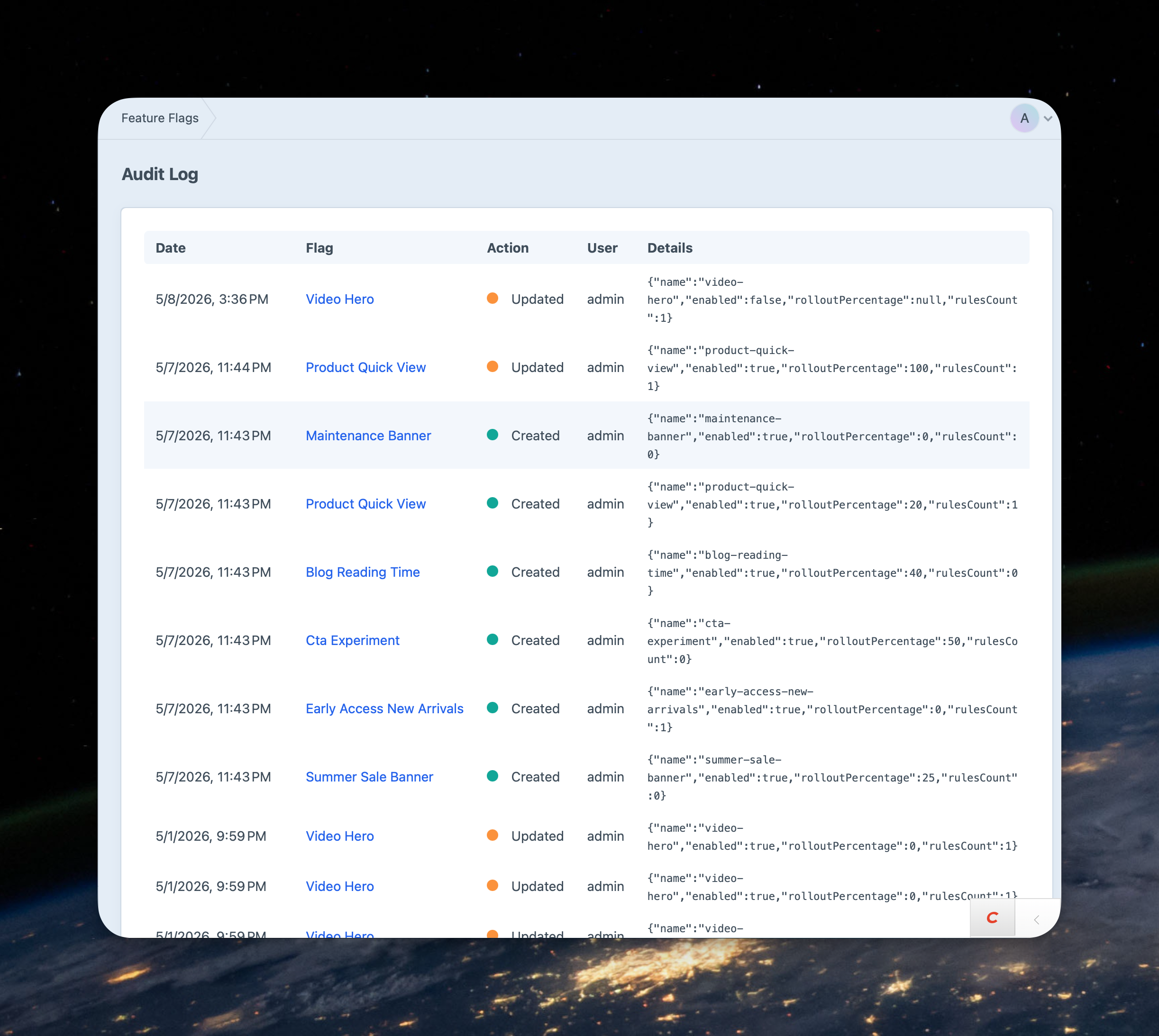
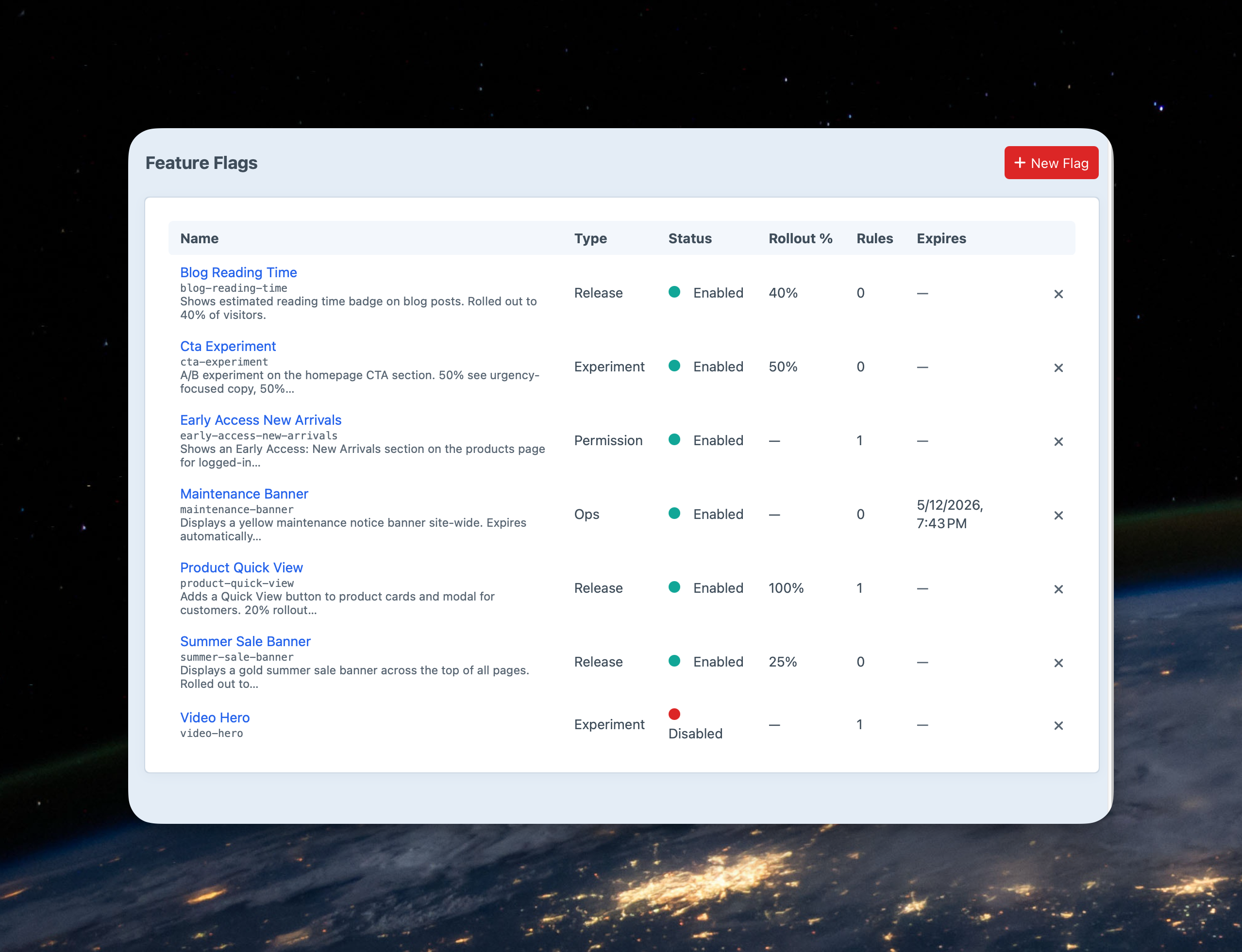
Choose from the four flag types: Release, Experiment, Ops, and Permission. This helps your team organize flags by intent and know when it’s time to clean up. Use expiration dates to auto-disable flags after a set date. And a full audit log tracks every change with user attribution.
Check flags from Twig, PHP, or the CLI. Everything lives in your database, cached, and managed in the Craft control panel.
Feature Flags is easy to install from the Plugin Store or via Composer. One license will get you everything you need to make your feature rollouts easy and stress free.
Buy on Plugin StoreWhat you need to run Feature Flags.
Use either the Craft Plugin Store installation or install directly via Composer
Enable flags for specific users, groups, or environments.
How to enable feature flags in your templates.
How to use percentage rollouts with feature flags.
Bucketing is the mechanism behind percentage rollouts.
Customize the plugin for your needs.
Manage feature flags from the command line.
Real-world scenarios showing how Feature Flags for Craft CMS solves problems you already have.